Below are a number of short YouTube presentations to help units and parents navigate in Black Pug. They Include the following:
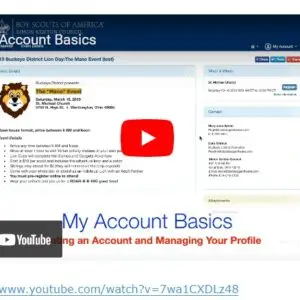
Account Basics – Getting started and setting up an account in Black Pug
Creating account
Editing profile
Changing password
Import and manage roster
View past registrations
Starting a Registration for an event
Finding information about event or training
Who to contact for questions
Attachments
Pricing of event, training,etc
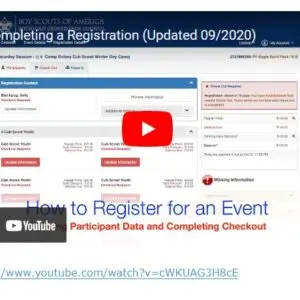
Completing a Registration –
entering contact information and participant information
Required information in red
Additional actions – Adding or deleting participants. etc
Pay schedule and completing check-out process
Council policies
Setting up a Personal Roster –
Setting up personal roster (this is not the council roster)
Where to find your roster or council roster
Managing a Personal Roster –
Importing a roster
Importing files
Using roster to help register for events- autofill
Council Provided Roster –
Difference between personal and council roster
What is View Acitvity and where to find it?
Advancement reports and other reports you may need.
- Scoutmaster Mobile
If you want to add messages unit leaders can easily access in the app, go to the event’s check-in / mobile page. To read more about setting up the messages,
To access scoutmaster mobile, first a report called “Scoutmaster QR Codes” needs turned on under Event Setup / Customer Reports. Once that is turned on, leaders can then find it under the “Reports” tab in their registration. A report will open up, and at the top they’ll see the scoutmaster master QR code, and below each participants has their own. The master QR code gives you access to the registration roster, merit badge roster, etc. If they don’t have a QR reader, there is URL on the right they can use with login credentials below. If you use the participant QR code, it just give you access to participants merit badge schedule. Some leaders share this with parents so they can stay up to date.
click here!.
Once logged into, this is similar to what they will see. My event has announcements, menus, and leader meetings setup in addition to the troop roster and the merit badge roster.
Troop Roster
This is used to view the participants on the registration. When you open this up, you’ll see a page with each participants name, and to the right the number of merit badges completed out of the merit badges on their schedule. \